
Send your own data: the Fintective webhook
For developers: POST a JSON list of transactions to your private Fintective endpoint, up to 500 per request, and let the Detectors investigate. Keys are stored only as a one-way hash.
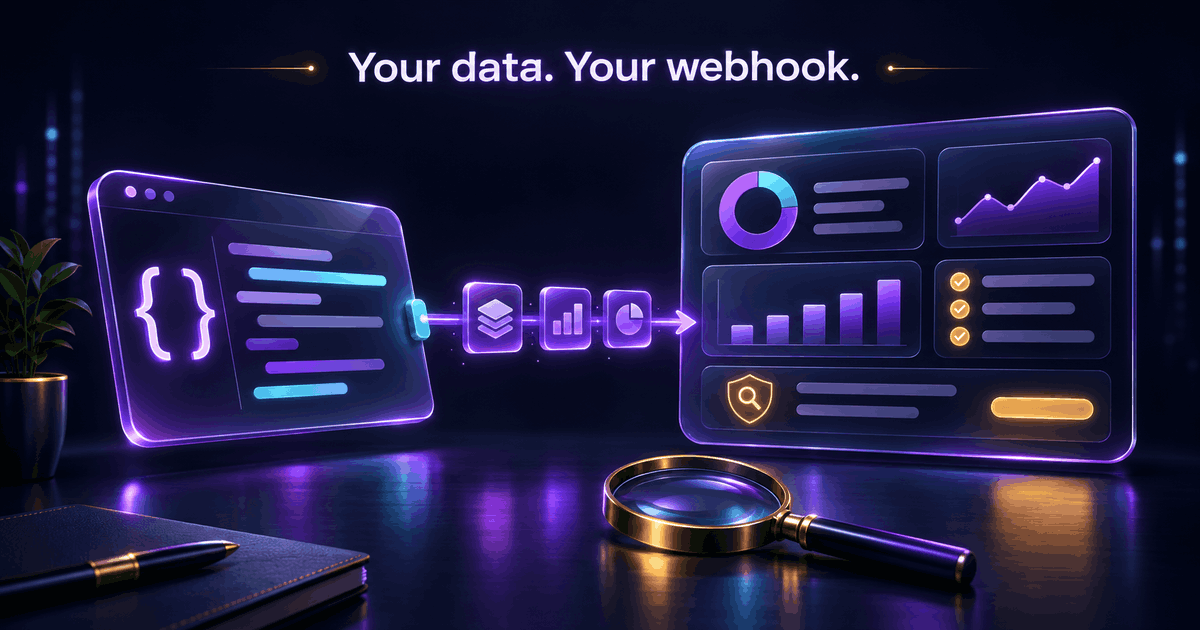
Some people already have their transactions in a form they control: an export script, a spreadsheet pipeline, a small service that talks to a bank API. If that's you, you don't need a budgeting app or a bank aggregator to get Fintective's Detectors working. You can send the data yourself.
That's what the Fintective webhook is for. It's aimed at developers, and it's one of the ways to connect in "lead detective" mode, where Fintective owns the categories.
What the webhook is
The webhook is a private endpoint tied to your Fintective account. You POST a JSON list of transactions to it, authenticated with a key that only you hold, and Fintective treats those transactions as your data source.
Fintective reads only what you send. There's no other connection and no other credential involved, so it's a good fit when you'd rather not hand a third party access to your accounts.
What you send
Each request carries a JSON list of transactions, up to 500 per request. Every item names:
- its account,
- its currency,
- its amount,
- the payee,
- a description or memo,
- the category group, and
- the category.
If you have more than 500 transactions, send them in batches. The in-app guide has the exact format, and the dialog in the app shows a ready-made curl example you can copy.
How to connect
1. Sign up for Fintective and open Settings, then Connectors, then Lead detective. 2. Create a webhook connection. Fintective shows you a key once. Store it somewhere safe. 3. POST your transactions to your private endpoint with that key, using the curl example from the dialog as your starting point. 4. Review what the Detectors find.
The endpoint is POST https://api.fintective.ai/ingest/v1/transactions. The dialog in the app shows the exact URL for your connection. You can also read the short version on the webhook integration page.
How the key is handled
This part matters for anything that accepts data from outside.
Fintective stores your webhook key only as a one-way hash. That means Fintective can check a key you send but can't show it to you again, and it's shown once, when you create it. If you lose it, you rotate it and get a new one. You can rotate at any time, for example if a key ends up somewhere it shouldn't.
Each connection also shows when its key was last used and from which IP address. If the last-used time or address doesn't match what you expect, that's your cue to rotate.
Only the account owner can create or remove the connection. If you disconnect, Fintective deletes the stored credential and keeps the history you already sent, unless you choose "Disconnect and delete data", which asks for a typed confirmation. Read more on the security page.
Your data, your responsibility
Because you supply the data, you're responsible for it. Fintective's findings are only as good as the transactions it receives, so accuracy matters: wrong amounts, missing payees, or inconsistent categories lead to wrong or missing findings. And you need the right to share the data you send. Don't send data you're not entitled to use or disclose. Both points are covered in the Terms of Service.
Currencies and categories
Each item carries its own currency. If it differs from yours, Fintective converts it at that day's market rate and keeps the original currency and rate. See Spending in another currency, converted for you.
For categories, you can send your own category group and category with each item. Once the data is in, you can rename accounts, work through the uncategorised workflow, and create, edit, and archive categories. Edits you make in Fintective survive every later sync. See Name your accounts, own your categories.
Who should use the webhook
Use it if you have, or can easily build, a feed of your own transactions and you're comfortable making an HTTP request. It's also a good fit if your bank isn't covered by one of the other direct connections, or if you want full control over exactly what leaves your machine.
If you'd rather not write any code, SimpleFIN is the no-code route for many banks. If you have Israeli banks and cards, Moneyman already knows how to post to Fintective. And if you budget in an app, connect that app instead. You use one kind of source at a time, on every plan.
Troubleshooting a first post
If a first request doesn't show up, check the basics in order. Is the key the one shown when the connection was created? Is the body a JSON list rather than a single object? Does each item name its account, currency, amount, and payee? Does the batch stay within 500 transactions? The last-used time and IP address on the connection tell you whether Fintective received a request at all, which separates a network problem from a formatting one.
Practical next step
Before you write any code, look at the data you plan to send. Check that every transaction has an account, an amount, a currency, and a payee, and decide how you want to map your own categories. Then send a small batch of a few rows with curl, confirm they appear, and only then automate the full feed.
When you're ready, start the investigation and create your webhook connection.
Bring your own pipeline
The webhook is the most flexible way to connect, and also the one where you do the most work. In return, you decide exactly what Fintective sees. See all the ways to connect on the integrations page.
Fintective is a third-party tool and is not affiliated with, endorsed by, or officially connected to YNAB, You Need A Budget, Lunch Money, SimpleFIN, Moneyman, or Plaid. This article is for information only and is not financial, tax, or legal advice.
Bring a second pair of eyes to your money.
Keep your budgeting app (YNAB, Lunch Money) or connect your banks directly. Fintective is read-only and watches for duplicate charges, subscription creep, and unusual spending.
Start the Investigation